Most NetSuite projects do not struggle because of NetSuite itself. They struggle at the edges, where the ERP has to exchange data with a CRM, an eCommerce store, a warehouse system, a payment gateway, or a homegrown tool that someone built years ago. Orders go missing. Inventory counts drift. Finance closes the month with manual fixes that nobody documented.
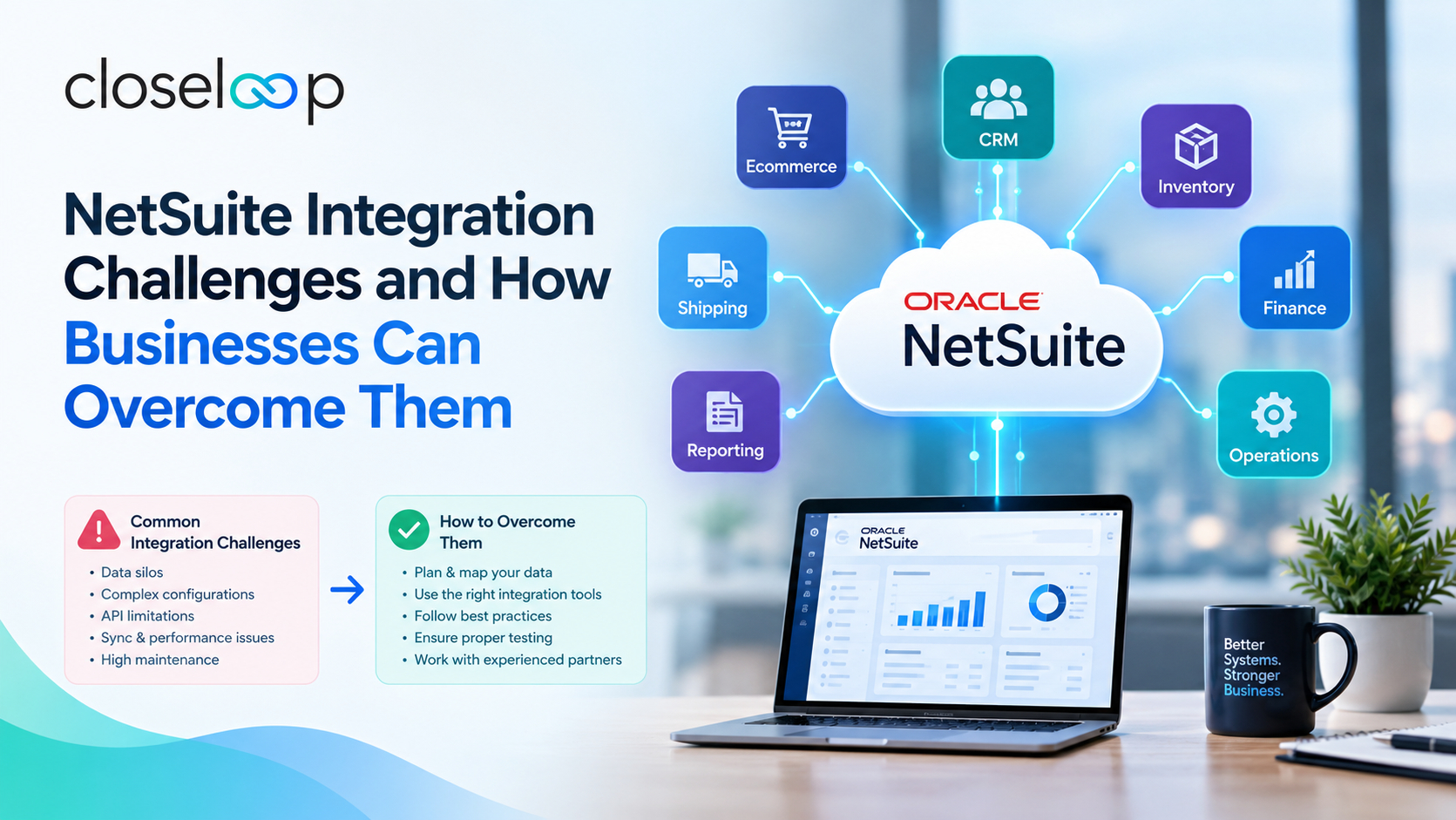
These problems are fixable, and most are predictable. This guide covers the challenges businesses run into most often, what causes them, and how to plan a connected NetSuite environment that holds up as the company grows. If you are evaluating NetSuite integration services, it will help you ask better questions before you commit to an approach.
Why NetSuite Integration Matters
NetSuite works best as the financial and operational backbone of a business. But the backbone only delivers value when the surrounding systems feed it accurate data and receive the right information back.
A well-integrated environment gives you:
- A single view of customers, orders, inventory, and finances
- Faster order-to-cash and procure-to-pay cycles
- Fewer manual entries and fewer reconciliation errors
- Reporting that leadership can trust without a spreadsheet side project
When integrations are weak, the opposite happens. Teams stop trusting the numbers, and the ERP becomes one more system people work around.
The Most Common NetSuite Integration Challenges
1. Poor Data Quality and Inconsistent Mapping
Every system describes the same thing differently. One platform calls it a "customer," another calls it an "account," and a third splits it into billing and shipping entities. Units of measure, currency formats, tax codes, and SKU structures often do not match either.
Example: A distributor connects its online store to NetSuite. The store allows free-text state names, while NetSuite expects standardized values. Orders with "Calif." instead of "CA" fail silently, and the sales team only notices when customers complain.
How to overcome it:
- Build a field-level mapping document before any development begins
- Define a source of truth for each data type (customers, items, pricing)
- Add validation rules so bad data is caught at entry, not after sync
- Clean legacy records before connecting live systems
2. API Limits and Performance Bottlenecks
NetSuite enforces governance limits on concurrency, request volume, and script execution. Integrations that work well in testing can slow down or fail when production volumes arrive, especially during peak sales periods.
Example: A retailer's flash sale generates thousands of orders in an hour. A poorly designed integration sends each order as a separate real-time call, hits concurrency limits, and creates a backlog that takes a day to clear.
How to overcome it:
- Use batch processing for high-volume, non-urgent data
- Reserve real-time sync for time-sensitive events such as stock updates
- Add queuing and retry logic so failed calls recover on their own
- Load test with realistic peak volumes before go-live
3. Choosing the Wrong Integration Approach
Teams often default to whichever option looks quickest: point-to-point connectors, middleware platforms, or custom code using SuiteTalk, RESTlets, or SuiteScript. Each has trade-offs.
- Prebuilt connectors are fast to launch but can be rigid when workflows differ from the standard.
- Middleware (iPaaS) centralizes connections and monitoring but adds licensing cost.
- Custom integrations offer full control but need careful design and maintenance.
How to overcome it: Match the approach to the complexity. A simple payment gateway may suit a connector. A multi-warehouse, multi-channel operation with custom pricing usually benefits from a tailored build. Many businesses combine both.
Also Read: NetSuite + SFDC Integration Using Celigo for Cordance
4. Legacy Systems That Were Never Designed to Connect
Older ERPs, on-premise databases, and industry-specific tools may lack modern APIs. Some export flat files on a schedule. Others only allow access through direct database queries.
How to overcome it:
- Introduce an integration layer that translates between old and new formats
- Use secure file transfer or database connectors where APIs are unavailable
- Plan a phased retirement of legacy tools instead of forcing a sudden cutover
5. Risky Data Migration
Moving historical records into NetSuite is one of the most error-prone parts of any project. Duplicate customers, orphaned transactions, and missing opening balances can undermine confidence from day one. Strong planning around NetSuite data migration reduces this risk considerably.
Example: A manufacturer migrates five years of inventory transactions without reconciling opening balances. The first month-end close shows variances that take weeks to trace.
How to overcome it:
- Decide what history is truly needed instead of moving everything
- Run multiple trial migrations and reconcile totals each time
- Assign business owners to sign off on data accuracy, not only IT
- Freeze changes in the old system during the final cutover window
6. Customization Conflicts
NetSuite is highly configurable, but layered customizations can collide. A workflow built by one team may conflict with a script written by another, and upgrades can expose hidden dependencies. This is where well-planned custom NetSuite development matters, because every extension should be documented, tested, and designed to coexist with the rest of the environment.
How to overcome it:
- Keep an inventory of all scripts, workflows, and saved searches
- Use a sandbox for testing every change before release
- Favor configuration over code when both can solve the problem
- Follow consistent naming and version control practices
7. Security and Compliance Gaps
Integrations move sensitive financial and customer data across systems. Weak credential handling, over-permissioned roles, and missing audit trails create real exposure.
How to overcome it:
- Use token-based authentication and rotate credentials regularly
- Apply least-privilege access for integration users
- Log every transaction and keep an audit trail
- Review integration permissions during each quarterly access review
8. Weak Monitoring and Error Handling
Many integrations are built to work when everything goes right and say nothing when it does not. Failures stay hidden until finance or customer service finds a discrepancy.
How to overcome it:
- Build dashboards that show sync status, failures, and queue depth
- Send alerts to the right owner, not a shared inbox nobody watches
- Design clear retry rules and a manual review path for exceptions
- Document the runbook so support teams know exactly what to do
9. Unclear Ownership and Change Management
Even a technically sound integration fails if nobody owns it. Business users change processes, add fields, or adjust pricing rules without telling the integration team, and syncs break.
How to overcome it:
- Assign a named owner for each integration
- Create a change request process that includes integration impact checks
- Train end users on how their actions affect connected systems
Cloud Infrastructure and Hosting Considerations
Integration performance depends partly on where supporting services run. Middleware, data pipelines, and custom APIs often sit alongside cloud platforms, so the choice of environment affects speed, cost, and security.
Businesses on Microsoft's stack may benefit from Azure development, while those with workloads on Amazon's platform can look at AWS development. If your integration project is part of a wider shift away from on-premise systems, a structured cloud migration plan helps keep the ERP and surrounding applications aligned. When off-the-shelf tools cannot cover a unique workflow, custom software development can fill the gap with purpose-built applications that connect cleanly to NetSuite.
Lessons from Different Business Sizes
The right integration plan looks different for a 50-person company than for a global enterprise. Startups usually need speed and a small number of reliable connections, while larger organizations need governance, multi-entity support, and more complex data flows. For a closer comparison, read this breakdown of NetSuite implementation for startups vs enterprises.
How to Choose the Right Partner
The partner you select often decides whether integration challenges stay manageable or turn into recurring issues. Look for proven NetSuite experience, a clear discovery process, documented testing practices, and long-term support. This guide on the best NetSuite implementation companies for growing businesses lists criteria worth comparing.
To understand how connected systems affect daily operations, you can also explore how NetSuite integration services are transforming business operations.
A Practical Checklist Before You Start
- List every system that needs to exchange data with NetSuite
- Document which direction data flows and how often
- Identify your source of truth for each data type
- Choose an integration approach for each connection
- Plan data cleanup and migration testing
- Define monitoring, alerts, and support ownership
- Set success measures such as order processing time or reconciliation effort
Conclusion
NetSuite integration challenges are rarely about one dramatic failure. They build up through unclear data rules, rushed design choices, limited monitoring, and missing ownership. The businesses that avoid these problems invest early in planning, test under real conditions, and treat integrations as living systems that need care after launch.
Closeloop helps companies connect NetSuite with the rest of their technology stack through thoughtful design, careful migration, and ongoing support. If you are planning a new integration or fixing one that is not performing, speak with our team and get a clear plan tailored to your operation.
Author

Swetha GP

VP of Delivery
She is a VP of Delivery at Closeloop. A communicator, business analyst, and engineering aficionado. Besides handling client relations, and engineering duties, she loves to pour her thoughts on paper. She writes about engineering, technologies, frameworks, and everything related to the software domain. She reads, spends time with family, and enjoys a good walk in nature in her free time. Her dream destination is Greece.
Frequently Asked Questions
Connect with our experts to assess your actual workflows and find the right fit. For any queries, reach out to sales@closeloop.com
Stay abreast of what's trending in the world of technology
How AI and Automation Are Transforming Modern Logistics Operations
A shipment that leaves the warehouse on time can still arrive late. A truck can run full on...

The Hidden Risks of AI-Generated Code in Enterprise Applications
AI coding assistants have moved from experiment to everyday tool in many engineering teams....

When Standard NetSuite Workflows Fall Short: Implementation, Integration, and Customization...
NetSuite is one of the most capable cloud ERP platforms available, but no out-of-the-box...

From Business Bottlenecks to Digital Products: How to Evaluate Software Development Partners in the...
Every growing business eventually hits a wall. Spreadsheets multiply, teams re-enter the same...