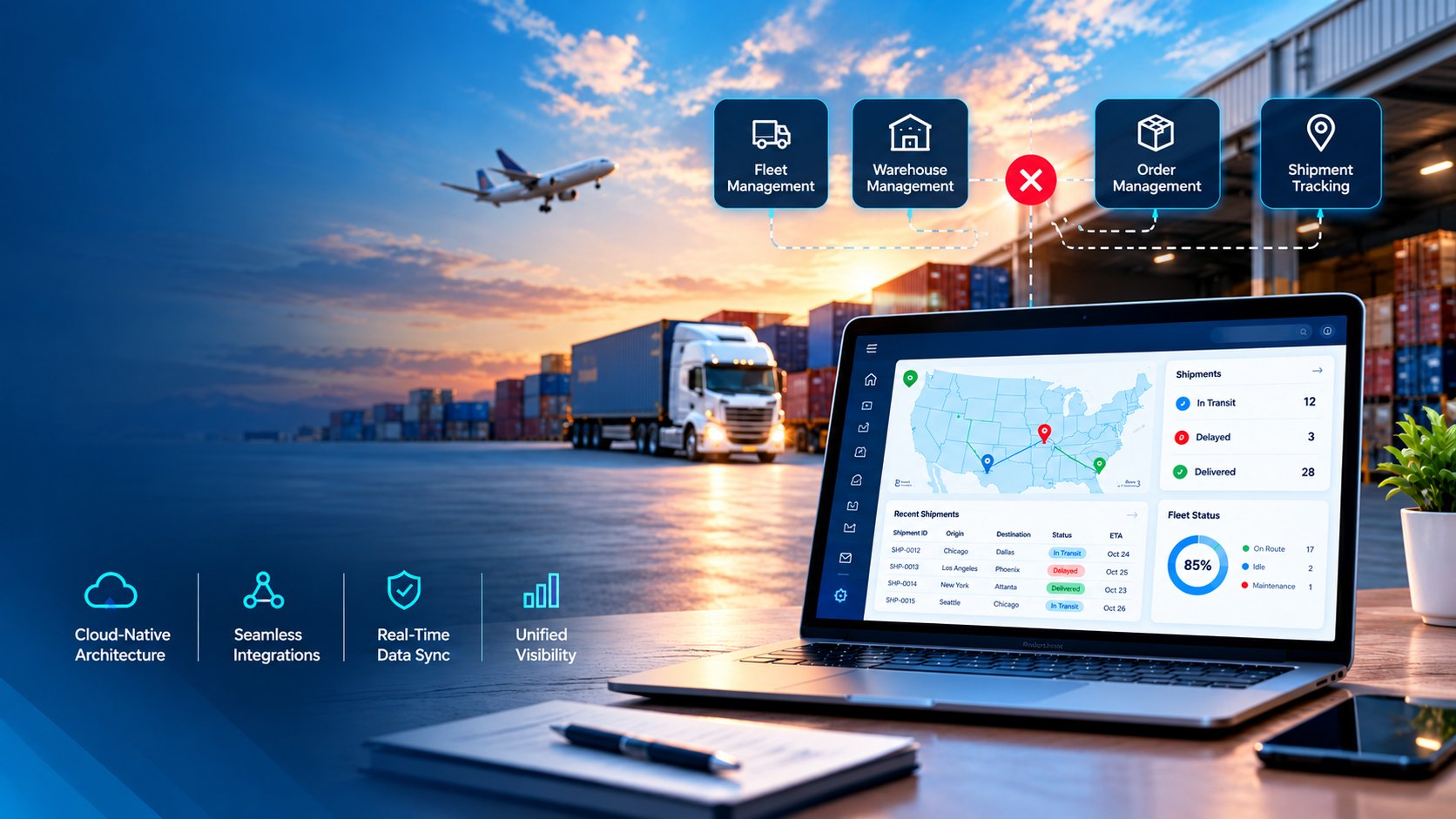
A shipment that leaves the warehouse on time can still arrive late. A truck can run full on one lane and empty on the return. A dispatcher can spend the first two hours of a shift on spreadsheets and phone calls instead of decisions. These problems are common, and they are the reason logistics companies are rethinking how their operations run.
AI and automation are not replacing logistics teams. They are removing the repetitive work that slows teams down and giving planners better information at the moment they need it. This guide explains where the change is happening, what it looks like in daily operations, and how to approach logistics software development so the investment pays off.
Why Traditional Logistics Operations Are Under Pressure
Most logistics businesses grew by adding tools one at a time: a tracking portal here, a spreadsheet there, a separate system for billing. Over the years, this creates a patchwork that is hard to manage.
Common pain points include:
- Dispatchers re-entering the same data in several systems
- Limited visibility once a shipment leaves the dock
- Manual route planning that cannot react to traffic, weather, or last-minute orders
- Delayed invoicing because proof of delivery arrives late
- Customers calling for updates that the system should provide automatically
Customer expectations have also moved. Buyers now expect live tracking, accurate delivery windows, and quick resolution when something changes. Meeting those expectations with manual processes is expensive and fragile.
What AI in Logistics Actually Does
AI in logistics is often described in broad terms, so it helps to look at specific jobs it performs well.
Demand and Capacity Forecasting
Machine learning models study historical orders, seasonality, promotions, and external signals to predict volume. A regional distributor, for example, can use these forecasts to decide how many drivers and vehicles it needs for the next two weeks instead of reacting after orders pile up.
Predictive ETAs and Risk Alerts
Static delivery estimates break down when conditions change. AI models combine live traffic, driver behavior, loading times, and weather to produce arrival times that update continuously. When a delay becomes likely, the system flags it early so the team can reroute or notify the customer before the complaint arrives.
Document Processing
Bills of lading, invoices, customs forms, and delivery receipts still arrive as PDFs, photos, and emails. AI-based extraction reads these documents, pulls out the key fields, and sends them to the right system. This cuts data entry and reduces the errors that cause billing disputes.
Conversational Support and Reporting
Generative models can answer shipment status questions, summarize exceptions for managers, and draft customer updates. Teams exploring this area can learn more about generative AI development and how it fits into operational workflows.
How Logistics Automation Software Removes Manual Work
Automation handles tasks that follow clear rules. Logistics automation software connects those tasks so work moves forward without someone pushing it along.
Order Intake and Allocation
Orders arrive from marketplaces, EDI feeds, emails, and customer portals. Automation validates the details, checks inventory, assigns the order to the right warehouse, and creates the pick list. Nobody needs to retype anything.
Carrier Selection and Booking
Rules can compare carrier rates, service levels, and past performance, then book the best option for each shipment. A shipper handling hundreds of loads a week can save hours of daily effort while making more consistent choices.
Exception Handling
Automated workflows can detect a missed pickup or a temperature deviation, alert the right person, and open a task with the relevant data attached. The team spends time solving the problem rather than finding it.
Billing and Reconciliation
When delivery confirmation triggers invoice creation automatically, cash flow improves. Matching carrier invoices against agreed rates also becomes a background process instead of a month-end scramble.
Transportation Management Software as the Operational Core
Transportation management software is where planning, execution, and visibility come together. A modern system does more than store shipment records. It plans loads, tenders them to carriers, tracks movement, and measures performance.
Off-the-shelf platforms work for standard needs, but many companies run into limits. They may need custom pricing logic, a particular customer portal, or integration with an older ERP. In those cases, building or extending the system around real workflows delivers more value than forcing the business to fit a generic tool.
Key capabilities worth planning for:
- Load planning and consolidation
- Carrier and driver management
- Real-time shipment tracking
- Freight audit and settlement
- Role-based dashboards for dispatchers, managers, and customers
Route Optimization Software and Measurable Savings
Route optimization software is one of the clearest examples of AI delivering a practical return. Instead of planning routes by hand or by habit, the software evaluates delivery windows, vehicle capacity, driver hours, road conditions, and service times together.
A Practical Example
Imagine a food distributor running 30 vehicles across a metro area. Each morning, dispatchers build routes from a list of orders. Some drivers finish early while others run into overtime. With an optimization engine, the same orders are assigned so workloads are balanced, time windows are respected, and stops are sequenced to cut unnecessary mileage. When a customer adds an urgent order at noon, the system reshuffles affected routes in minutes.
Typical benefits include lower fuel use, fewer late deliveries, better driver utilization, and more predictable planning. Results vary by business, so it is wise to measure a baseline before rollout.
Also Read: The Hidden Cost of Disconnected Logistics Systems: A Software Architecture Approach to End-to-End Visibility
The Role of Integrations in Connected Logistics
AI and automation only work well when data flows freely. Telematics devices, warehouse systems, carrier networks, ERPs, and payment platforms all need to exchange information reliably. Weak integration is one of the most common reasons logistics projects stall. For a deeper look at this topic, read about the role of APIs and integrations in custom software development.
How to Approach Logistics Software Development
A clear process keeps projects on track and avoids building features nobody uses.
Step 1: Map Current Workflows
Start with how work actually happens, including workarounds. Identify where time is lost, where errors repeat, and where data goes missing.
Step 2: Prioritize High-Impact Use Cases
Pick one or two areas that affect cost or customer experience most, such as dispatch planning or document handling. A focused first release shows value quickly and builds internal support.
Step 3: Plan the Data Foundation
AI needs clean, accessible data. Decide which systems hold the source of truth and how information will move between them.
Step 4: Add Intelligence in Layers
Many teams begin with automation and reporting, then introduce predictive models once data quality is proven. If you want to understand how to embed models into existing systems, this overview of AI integration services is a useful starting point.
Step 5: Train Users and Refine
Software only helps if people trust it. Involve dispatchers and warehouse staff early, gather feedback, and adjust. For a broader view of how intelligent features shape logistics products, see this article on the role of AI in logistics software development.
Common Mistakes to Avoid
- Automating a broken process. Fix the workflow first, then automate it.
- Ignoring data quality. Inconsistent addresses, units, and codes weaken every model.
- Trying to do everything at once. Phased delivery lowers risk.
- Skipping change management. Teams need to understand why the system makes certain recommendations.
- Choosing tools without an integration plan. Isolated systems recreate the same silos.
Conclusion
AI and automation are changing logistics by making operations faster to plan, easier to monitor, and simpler to scale. The biggest gains come from connecting systems, cleaning up data, and applying intelligence to specific, well-defined problems instead of chasing every new tool at once.
Companies that treat software as a long-term operational asset are better prepared for shifting demand, tighter margins, and rising customer expectations. Closeloop works with logistics businesses to build custom platforms, integrate intelligent features, and modernize existing systems with a clear focus on practical outcomes. If you are planning your next step, talk to our team and map out a solution that fits how your operation really runs.
Author

Swetha GP

VP of Delivery
She is a VP of Delivery at Closeloop. A communicator, business analyst, and engineering aficionado. Besides handling client relations, and engineering duties, she loves to pour her thoughts on paper. She writes about engineering, technologies, frameworks, and everything related to the software domain. She reads, spends time with family, and enjoys a good walk in nature in her free time. Her dream destination is Greece.
Frequently Asked Questions
Connect with our experts to assess your actual workflows and find the right fit. For any queries, reach out to sales@closeloop.com
Stay abreast of what's trending in the world of technology
NetSuite Integration Challenges and How Businesses Can Overcome Them
Most NetSuite projects do not struggle because of NetSuite itself. They struggle at the...
The Hidden Risks of AI-Generated Code in Enterprise Applications
AI coding assistants have moved from experiment to everyday tool in many engineering teams....

When Standard NetSuite Workflows Fall Short: Implementation, Integration, and Customization...
NetSuite is one of the most capable cloud ERP platforms available, but no out-of-the-box...

From Business Bottlenecks to Digital Products: How to Evaluate Software Development Partners in the...
Every growing business eventually hits a wall. Spreadsheets multiply, teams re-enter the same...